

Edit API Key
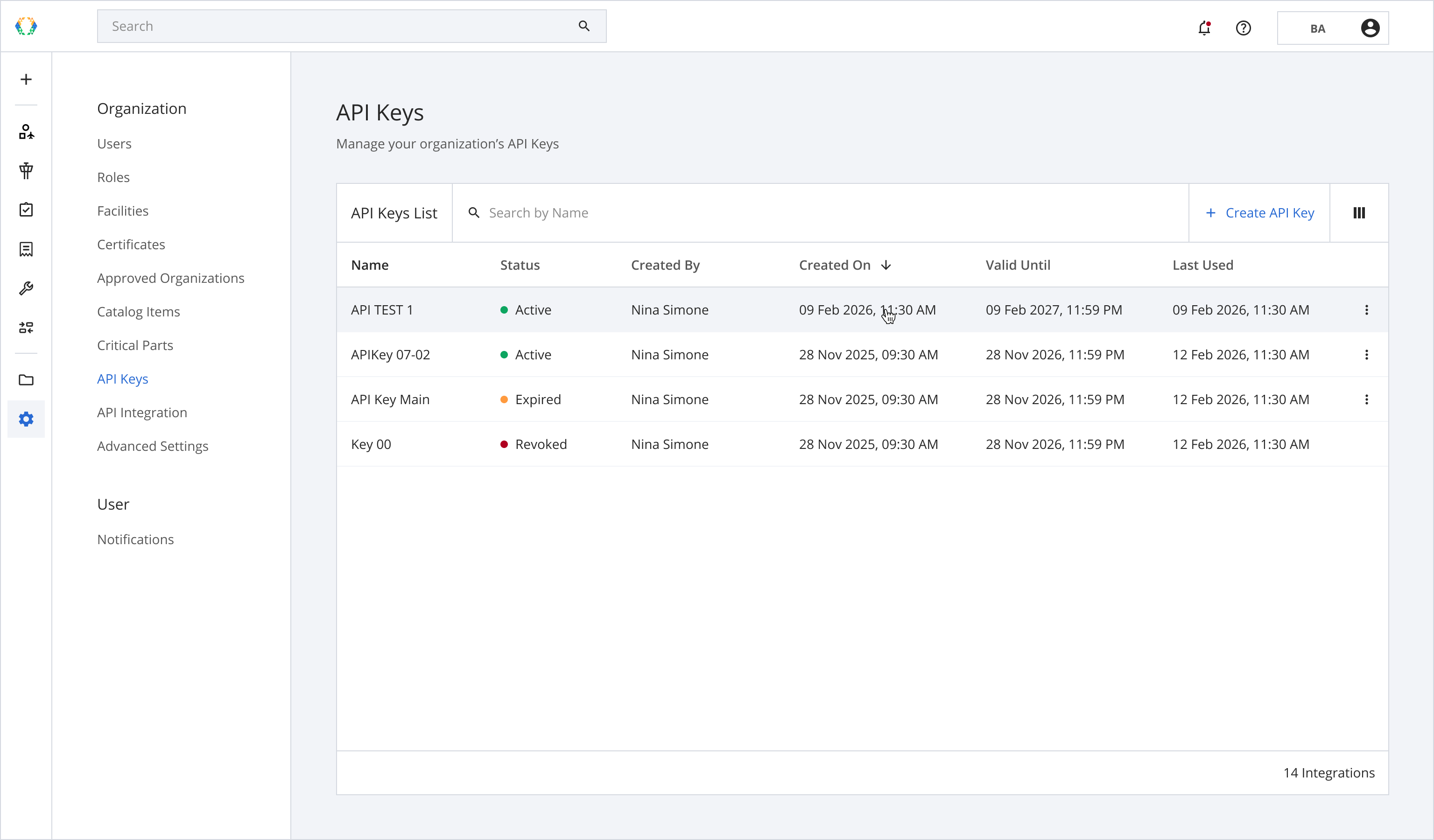
Step 1: From the API Keys list, open the API you want to update.
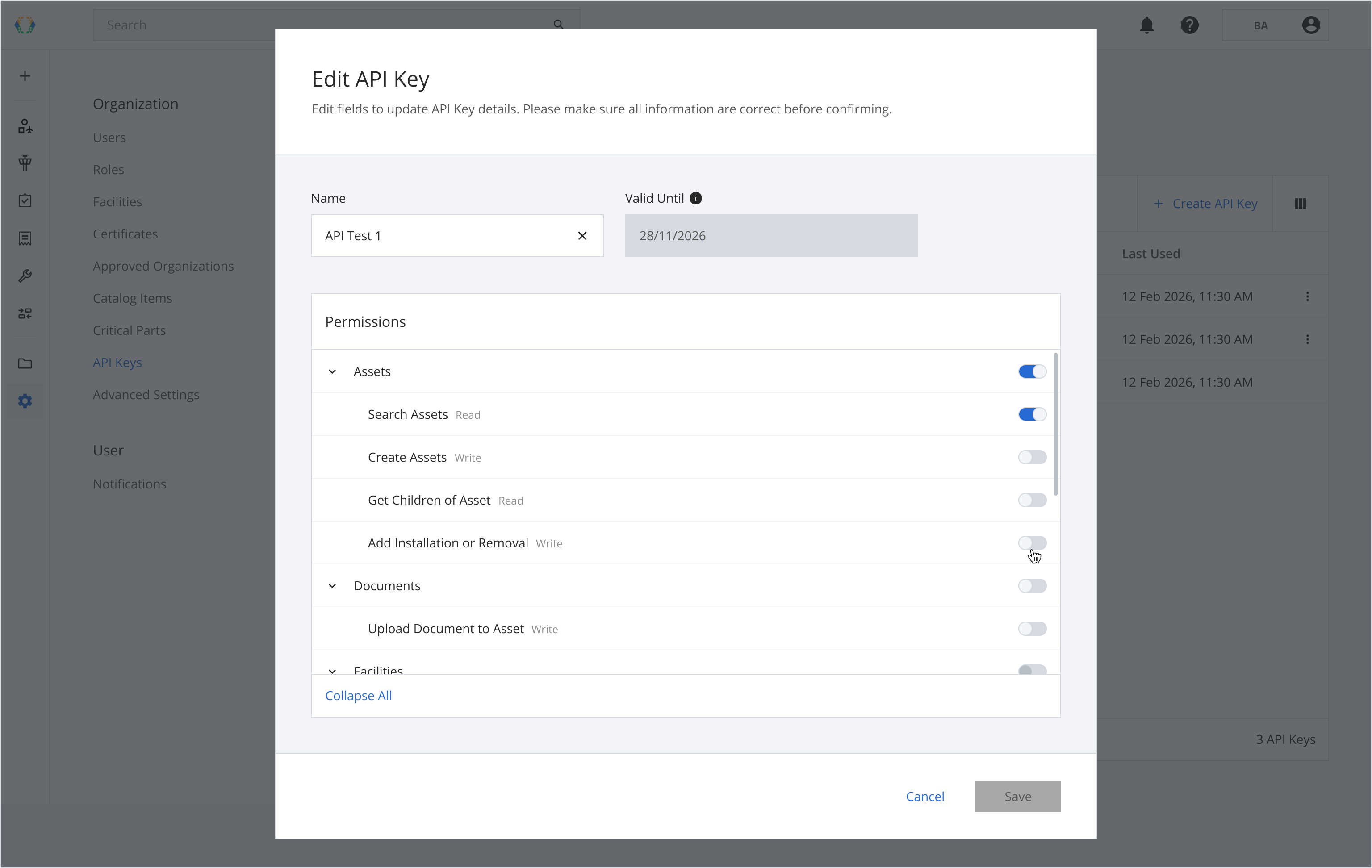
Step 2: Update API Key details.
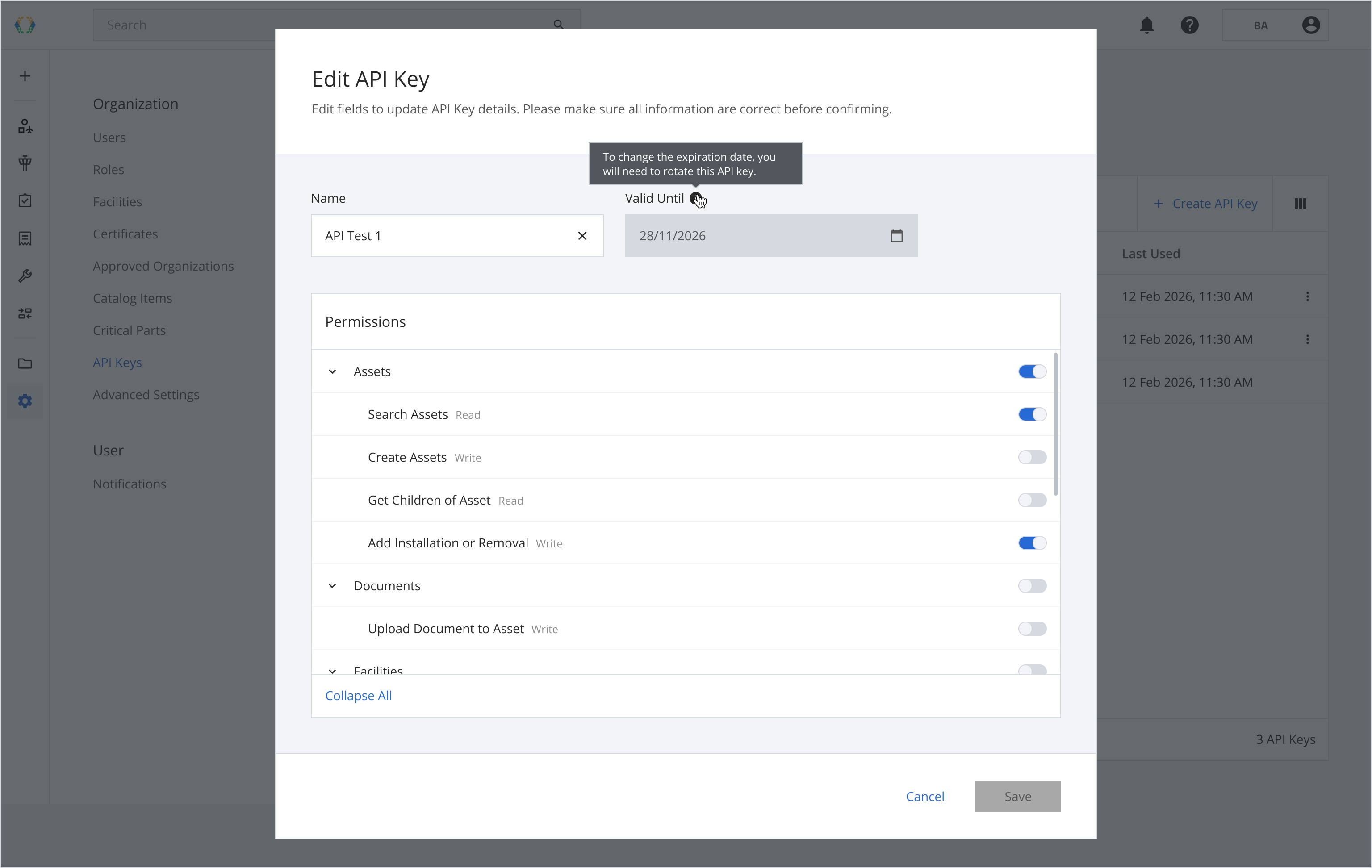
To change the Valid Until date, you'll need to select the API Key from the list and rotate it.
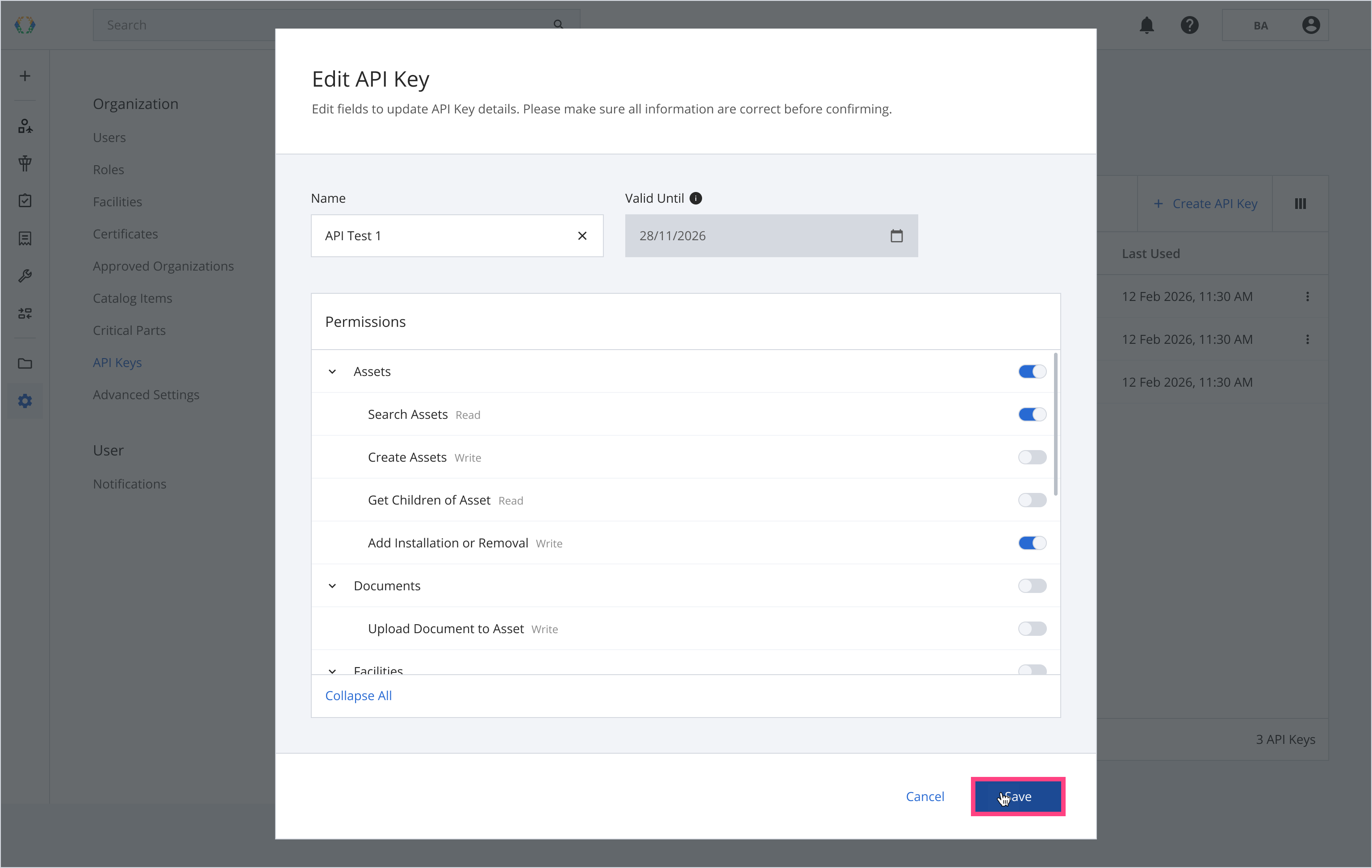
Step 3: Click 'Save'
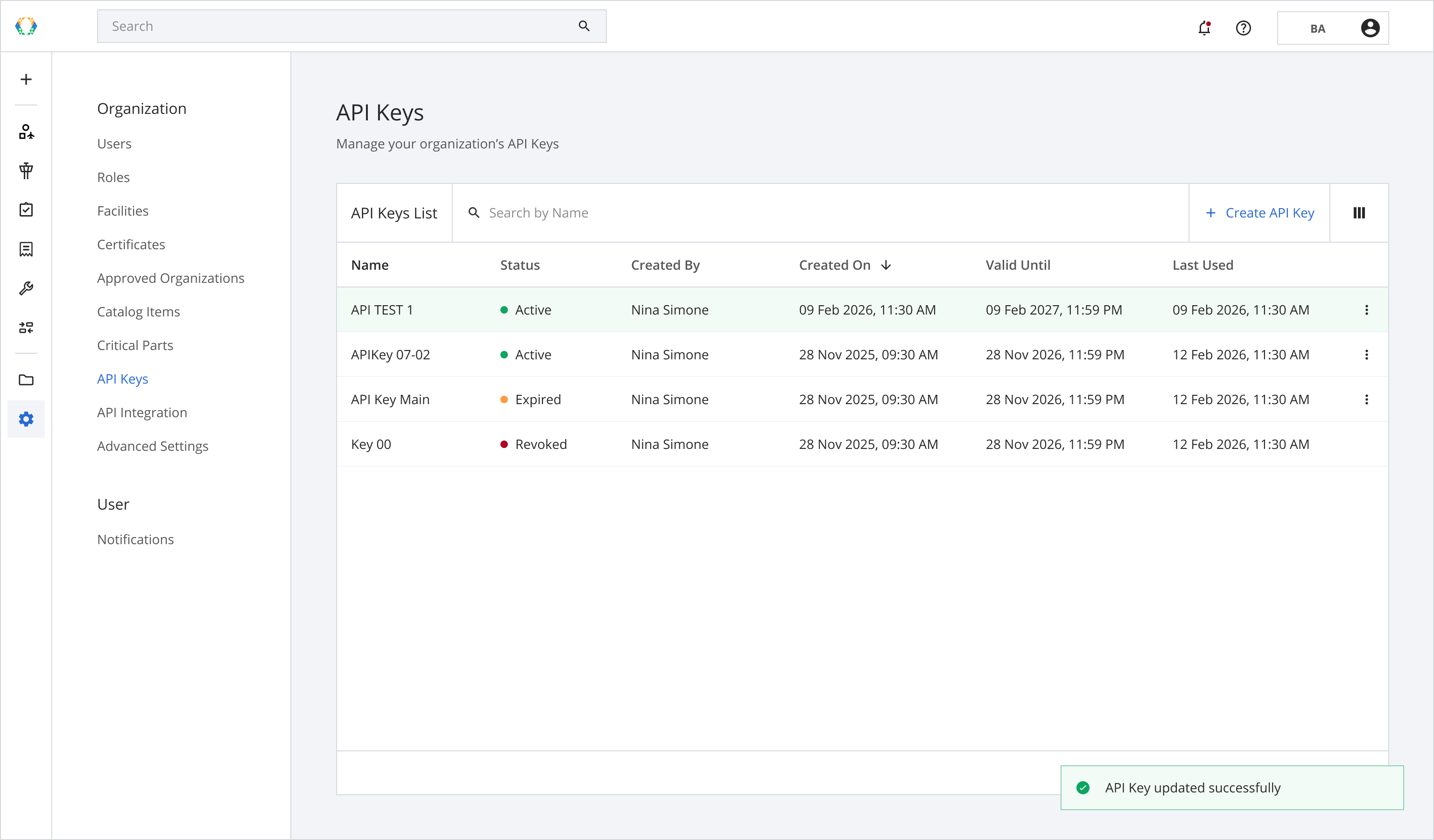
Once API Key is successfully updated, a green message will appear at the bottom right corner of the API Key list.
Updated 6 months ago
Did this page help you?