

Data Packages
Data Packages let you organize and securely share asset information with external organizations. Each package combines selected asset details and documents into a single password-protected link, giving you full control over what external parties can access.
Getting Started
To access the list of data packages, click the ‘Data Packages’ tab.
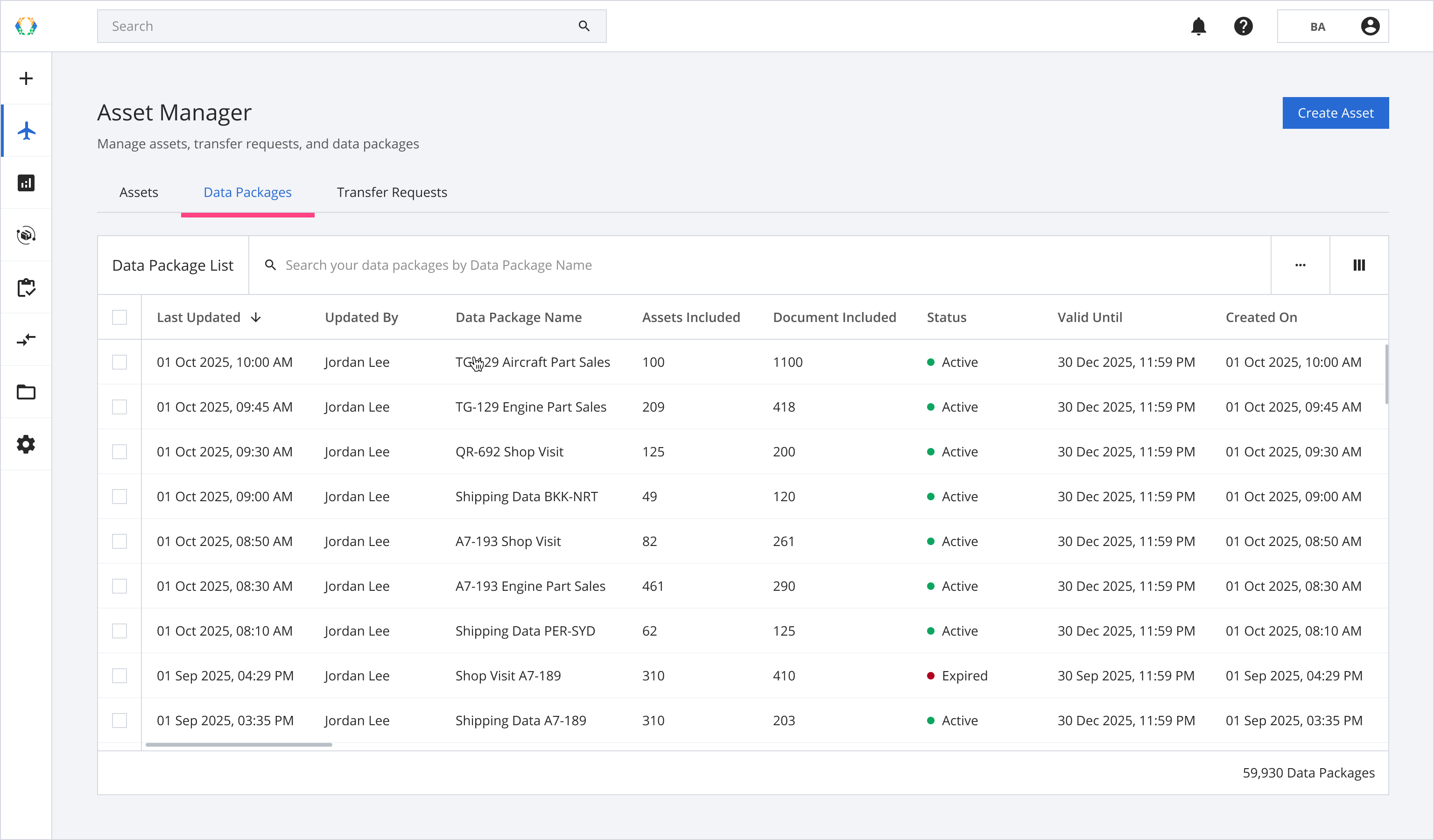
Data Package List Layout
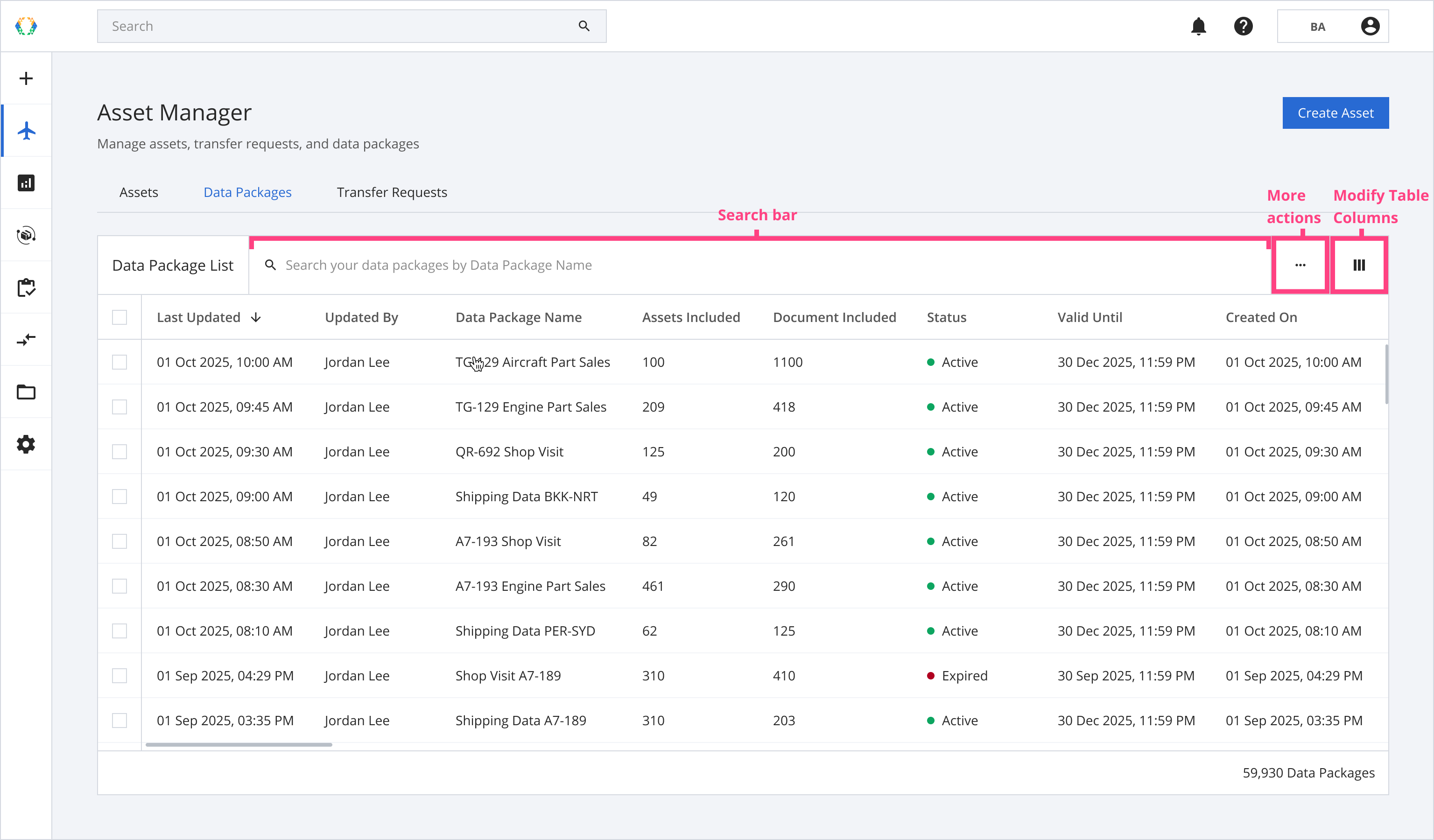
Searching on Data Package List
Use the search bar to locate specific data packages using the following parameters:
| Searchable Parameters |
|---|
| Data Package Name |
Data Package Status
Each data package is assigned a status to reflect its current stage in the workflow:
| Status | Description |
|---|---|
| Active | The item is valid and can be shared with an external organization. It can be updated, and assets can be added or removed. |
| Expired | The item has passed its validity end date and can no longer be accessed. It is locked and not eligible for updates or asset changes. |
Updated 8 months ago
Did this page help you?